Have these ready
- Your chosen removable A4 label sheets
- The exact matching label template
- Your text, artwork or barcode design
- Plain A4 paper for a test print
- A compatible printer with ink or toner
Free UK Delivery On Orders Over £60

Sign up and get 15% off your first Go2Products order, plus occasional offers and product updates.
Print prices, stock references and everyday information on peelable A4 label sheets. Start with the right template, check your printer settings and test alignment before printing your labels.
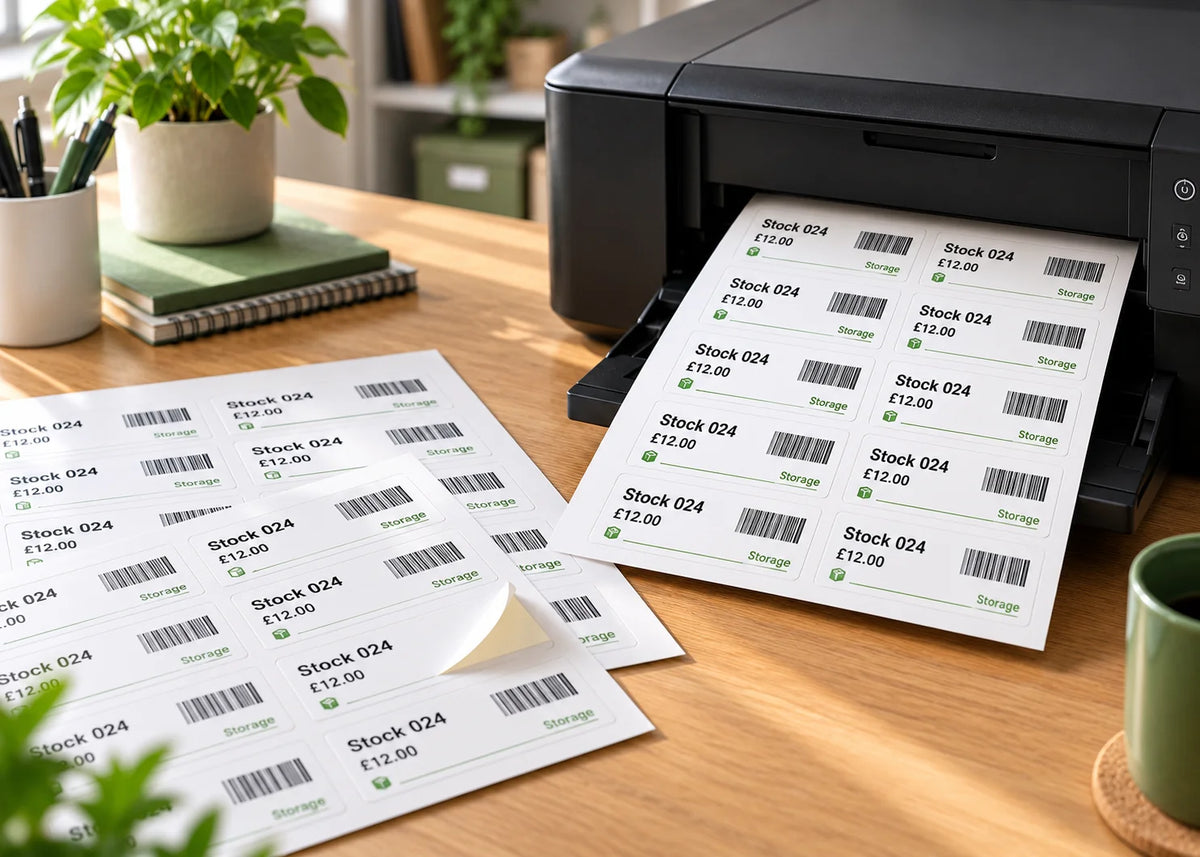
Our removable matt white paper A4 sheets are suitable for compatible inkjet and laser printers. Removable describes the adhesive; you still need label stock suitable for your printing equipment.
Confirm that your printer accepts self-adhesive label sheets and supports the stock’s thickness or weight. Follow the recommended tray, feed direction and media setting.
Use flat, undamaged sheets with all labels in place. Do not feed sheets with missing labels or exposed adhesive, and avoid automatic double-sided printing.
Work through these four steps before printing a batch. On mobile, swipe through the cards.
Choose the template for your exact label dimensions, shape and number per sheet. Check the margins and gaps too: two sheets with the same label size can have different layouts.
Add your text or design without changing the template’s page size, cell dimensions or spacing. Keep important content comfortably inside the cut edges to allow for small print-position differences.
Use a simple layout and readable type. For barcodes, preserve the required clear area and test the finished print with your scanner.
Select A4, the correct orientation and 100% or Actual Size. Turn off Fit to Page or automatic scaling. Hold the test behind a label sheet against a light to check the first and last rows and both sides.
If the template includes guide borders that should not print, hide or remove them as instructed before the final print.
Load the sheet in the correct direction, with paper guides snug to the edges. Use the printer’s recommended label-media setting and feed path.
Check alignment, print quality and feeding before continuing. Allow inkjet prints to dry before stacking or handling them.
Setting names differ between printers and software. Use these checks alongside your printer’s own instructions rather than selecting an unfamiliar setting blindly.
Swipe sideways to see the settings →
| Setting | What to check | Why it matters |
|---|---|---|
| Paper size | A4, 210 × 297mm | Letter or another paper size changes positioning |
| Scaling | 100% or Actual Size; disable Fit to Page | Resizing can move designs outside the label cuts |
| Orientation | Match the template | Prevents a rotated or incorrectly placed layout |
| Media type | The label-stock setting recommended for your printer | Supports appropriate feeding and print behaviour |
| Feed tray | Use the recommended label tray or manual feed | Helps keep sheets straight during feeding |
| Sides | Single-sided printing | Avoids sending adhesive label stock through a duplex cycle |
Changing margins, table spacing or page dimensions can put every label out of alignment. Start with the exact template, then change only the content you need to print.
Get a label templateApply a sample label to a clean, dry area of your actual item. Check that it stays attached during normal use, then assess removal after the intended period. Printing does not change the need to test the adhesive.
Compare removable and permanent adhesives →Choose readable prices, suitable barcode dimensions and a layout that fits the packaging. Our retail guide covers blank sheets, pre-printed designs and custom retail options.
Read the retail price-label guide →We can professionally print labels on sheets or rolls. Include your artwork, size, quantity and removable-adhesive requirement when requesting a quote.
A4 label sheets are for suitable sheet-fed printers. For a roll printer, choose compatible stock: thermal transfer uses a ribbon; direct thermal prints without one. Removable adhesive rolls are made to order.
Start with a plain-paper test, then check one complete label sheet before printing your batch.