
Blank A4 address labels
Print names and addresses using a compatible inkjet or laser printer and a matching template. Matt white paper gives the text an opaque background for everyday mailing.
Free UK Delivery On Orders Over £60

Sign up and get 15% off your first Go2Products order, plus occasional offers and product updates.
Give everyday correspondence a clear, consistent address. Choose blank A4 labels to print yourself, personalised mailing labels printed for you, or compact sender stickers for your return details.
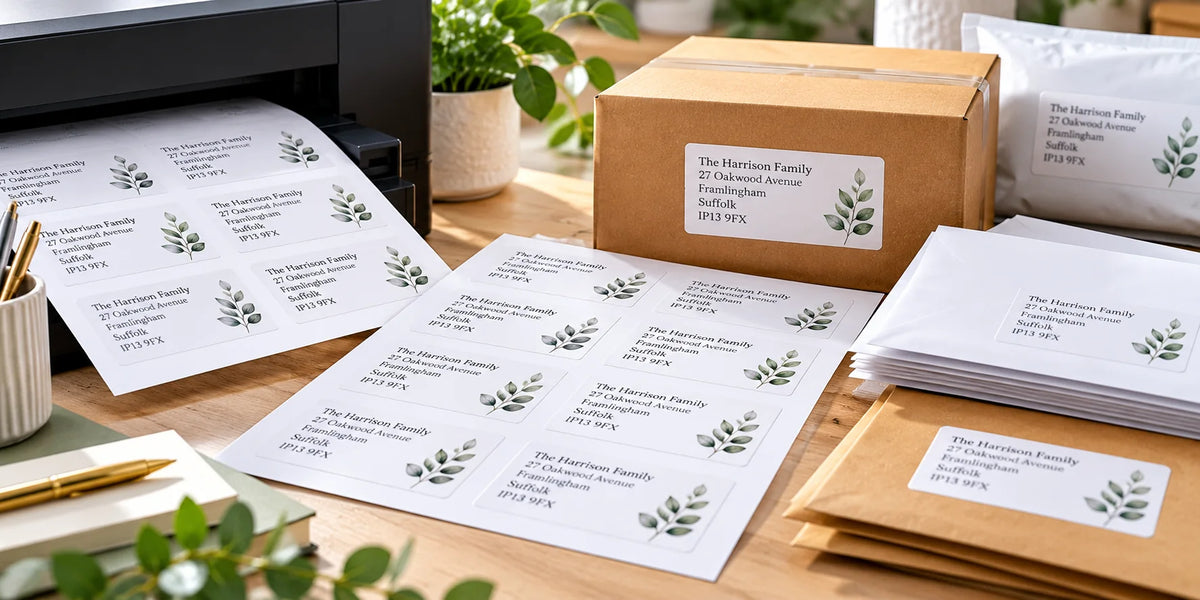
For changing recipient addresses, blank sheets let you print your own mailing list. For details you want us to print, choose personalised labels. For the same sender details on outgoing post, choose return address labels.
Check each product for current sizes, quantities and material choices. On mobile, swipe to compare.
Print names and addresses using a compatible inkjet or laser printer and a matching template. Matt white paper gives the text an opaque background for everyday mailing.
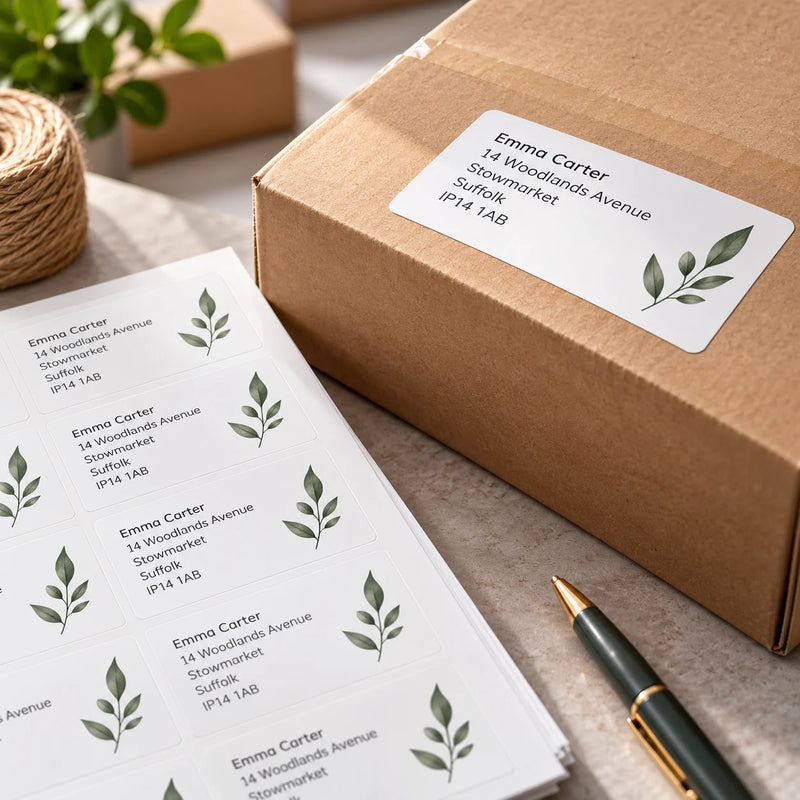
Send the details or artwork you want printed. Choose from the listed size and material options, and ask us to confirm the setup for a list of changing recipients.
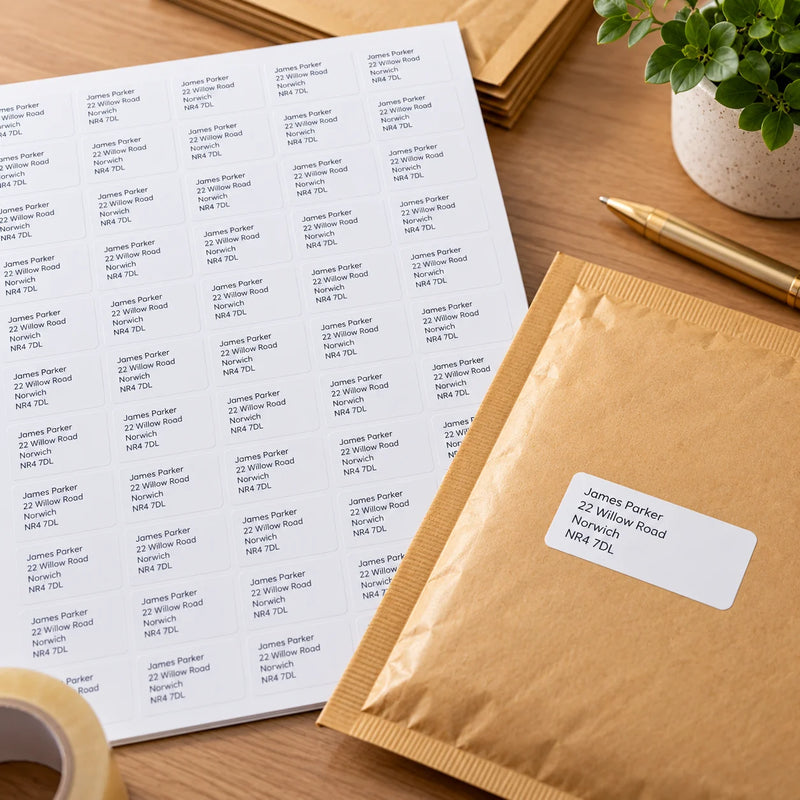
Use compact printed labels for your sender name, address and optional logo. Add a consistent finish to letters, invitations and business correspondence.
Print addresses for correspondence, customer updates and other routine mail. Keep a repeatable layout and check the recipient list before every run.
For printed sender details, a logo can help create a consistent appearance without crowding the address.
Choose labels that fit the envelope’s usable space and the full name and address. Check the look against the envelope colour and texture before ordering a larger quantity.
Use a paper mock-up to check the position alongside any stamps, postage markings or other envelope elements.
Use a checked address list for newsletters, member correspondence or event mail. A matching template can help keep a batch consistent.
Preview the longest address and any record with missing optional fields before printing.
Prepare card lists and personal correspondence with a repeatable label layout. Recheck saved details before reusing a list.
Return address stickers can save retyping the same sender details on each envelope.
Choose enough room for the complete address at a readable size. These are examples from the blank range, rather than a universal postal size requirement.
Swipe sideways to compare →
| Blank label dimensions | Per A4 sheet | What to check |
|---|---|---|
| 38.1 × 21.2mm → | 65 | Compact details; make sure the complete text is still readable. |
| 63.5 × 38.1mm → | 21 | A mailing format to try with your recipient addresses. |
| 99.1 × 38.1mm → | 14 | Extra width for longer names or business details. |
| 63.5 × 46.6mm → | 18 | Extra height for more address lines. |
For different recipient addresses, use a suitable label-printing or mail merge workflow. The template must match the actual sheets you have ordered.
Word & Excel printing guideOur blank matt white paper address sheets use permanent adhesive and suit compatible inkjet and laser printers. The white base keeps text separate from the envelope colour.
For office jobs beyond mailing, browse the broader matt white paper range for filing, stock and other everyday uses.
Browse multipurpose matt white sheets →Apply to a suitable clean, dry area and check adhesion on coated or textured envelopes. Keep the address flat, readable and clear of folds or openings.
Ordinary paper is not waterproof. If moisture resistance matters, ask for an appropriate material, print and adhesive specification.
Explore label materials →Choose a standard mailing product, browse other sheet materials or ask us to print your artwork. For changing recipient data, confirm the setup before ordering.
Explore custom printed rolls for repeated branding or details. For a thermal printer, choose compatible roll dimensions and format; direct thermal uses no ribbon, while thermal transfer uses a matched ribbon.
Mailing address stickers do not replace postage or a required carrier-generated shipping label. If your dispatch system supplies a label layout, preserve its required dimensions and barcode format.
Mailing labels carry recipient or sender details on envelopes, mailers and correspondence. They can be used for business letters, invitations, customer mailings and everyday post. An address sticker does not itself provide postage or create a carrier shipping service.
Choose blank A4 sheets if you want to print the details yourself using a compatible printer and matching template. Choose personalised address labels if you want us to print the details or artwork. For a list of different recipients, request a quote to confirm the data setup.
Choose a label that fits the usable envelope area and the complete address in readable text. Blank formats to compare include 63.5 × 38.1mm at 21 per sheet and 99.1 × 38.1mm at 14 per sheet. Check the longest address and use the matching template rather than choosing by label count alone.
Yes. Use a suitable label software or mail merge workflow with the exact A4 layout and your recipient list. Preview long addresses and records with missing optional fields, then test on plain paper at 100% or Actual Size before printing labels.
Our matt white paper A4 address labels are suitable for compatible inkjet and laser printers. Check the chosen material and your printer’s label-media guidance; other label stocks can require a specific print method.
Yes. Send the details and artwork you want printed on personalised address labels. Keep the recipient or sender information clear and readable, and confirm the layout before printing. Ask for a quote if the design or mailing data needs a specialist setup.
The recipient address identifies where the post is going. A return address label carries the sender’s details on outgoing post. It is different from a carrier return-shipping label used to send an item back.
Ordinary matt white paper should not be treated as waterproof. If your packaging needs moisture resistance, ask for a suitable material, print and adhesive specification and test the completed label on the actual surface.
Use our label templates page and match the exact dimensions, number per sheet, margins and gaps. Select A4 and print at 100% or Actual Size with automatic page scaling off. Check alignment on plain paper before printing a label sheet.